

Digital Banking
Your Bank, Wherever You Are.
Manage your finances with convenient digital banking tools designed to keep you connected to your money.
Sign in only through our official channels. Never use a link from an unexpected email or text.
Channels
Internet · Mobile · USSD · Payments
Four ways to stay connected
Jump to a channel. Shared tools, transfers, alerts, account management and security, sit in the next section, once.

Shared digital tools
What every channel is for
These capabilities apply across internet, mobile and USSD. Channel sections below cover only what is unique to that channel.
- Enrol through our official onboarding, then use only our published access points.
- Protect passwords and devices. Report anything unusual via the Security Centre, not unverified messages.

Transfers
Move money between accounts and approved beneficiaries.

Account management
Review balances, activity and everyday oversight in one place.

Alerts
Stay informed when official notification options are enabled.

Security
Strong credentials, careful devices, official support only.
The browser channel
Use a trusted personal computer and the official portal only. Transfers, alerts and security habits are covered above.
Best for
Longer sessions: reviewing history, managing beneficiaries and completing several tasks in one sitting.
Official login
Sign in only at https://app.nordcrestunion.com/login. Bookmark this address and do not follow login links from email or text.
The phone channel
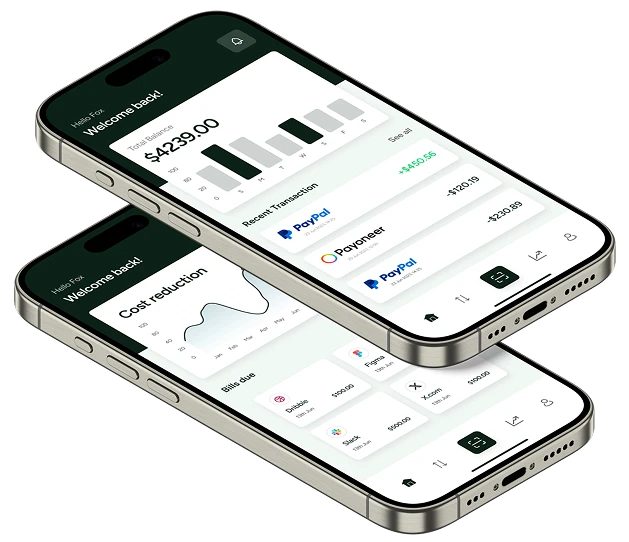
Built for short, on-the-go sessions. Download the app only from the Apple App Store or Google Play.
Best for
Quick balance checks and essential tasks away from a desktop.
Device habit
Use a personal, updated, locked phone, not a shared or public device.

Bank from your phone
Use internet banking now, and install our official apps only from the public stores, never from a message or unknown site.

The no-app channel
For essential balances and transfers when a smartphone app or data connection is not available. Use only the official phone-banking menu.
Best for
Feature-phone access, limited data, or a quick balance check without opening an app.
Official access only
Ask support for the official phone-banking menu. Never dial a code sent by message or social media.
Fees for phone banking, if any, appear in your account documents or can be confirmed with +41 44 210 14 20.
Payment types, not another channel list
Everyday transfers are already covered in Shared digital tools. This section is for bills, bulk and business payments. Full operational detail lives on Payments.
Bill payments
Pay supported bills through available digital or assisted channels.
Business & bulk
Supplier payments and bulk runs for businesses that need to pay many recipients in one session.
Payment page
Cash management and broader payment services are documented separately.
When digital banking needs a person
Login, app and USSD details are in the channel sections. Use official contacts for anything else.

+41 44 210 14 20
Customer support
no-reply@nordcrestunion.com
General enquiries
+41 44 210 18 88
Security concerns

Need help getting started with digital banking?
Ask about internet, mobile or USSD access, or visit the Security Centre before you sign in.