Digital banking is most useful when it is ordinary: check a balance, move money, pay a bill, and get on with the day. Confidence comes from a few steady habits, not from rushing, and not from following a link that appeared out of nowhere.
Start with official access only
Bookmark our official website and return to it the same way each time. Type the address yourself, use a saved bookmark, or open the site from a channel the bank has published. Do not rely on a search-result ad, a text message, or an email button as your way in.
Internet banking is available through our official portal. Bookmark the published login address and open it yourself. Treat any app, page, or “urgent login” message that claims to be us, but was not opened from this website or a published bank channel, as unsafe.
Treat your User ID like a house key
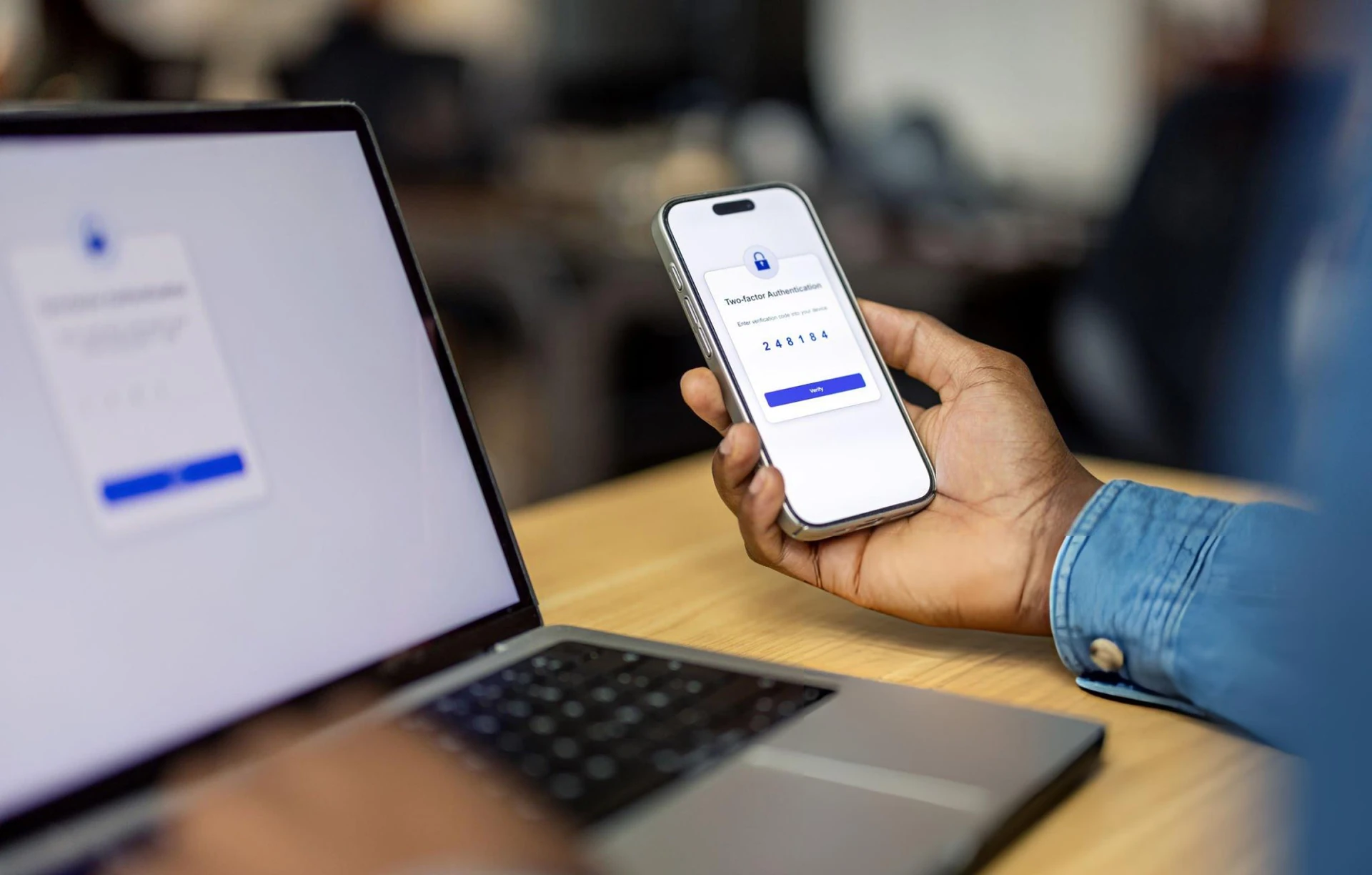
Use a unique password for banking. Do not reuse the password you use for email or shopping. If the bank later enables extra verification (a one-time code, a prompt on a trusted device), turn it on and keep the device you use for that step in your control.
Never share a password, PIN or one-time code with a caller, not with a chat window, and not with someone who says they are “from the bank” and need it to “unlock” your account. We will not ask you to read those codes aloud or type them into a page you did not open yourself.
Make a short weekly review part of the routine
Once a week, look at recent transactions. You are checking for two things: activity you do not recognize, and payments that went to the right place for the right amount. If something looks off, stop. Do not try to “fix” it by following a link in a message. Use official contact channels listed on this website.
Turn on alerts if they are available for your account. A simple notice for a large transfer or a new payee is often enough to catch a problem early. If alerts are not yet enabled for your product, a calendar reminder to review activity still helps.
Know when to pause
Pause if a message creates urgency (“pay now or your account will close”), if a payment request is unexpected, or if a page looks almost right but not quite, extra words in the address, a different layout, a request for full card numbers plus the security code in one form.
Banking online should feel calm. If it does not, close the browser, use a bookmark, and contact us through published support details. For a fuller checklist, visit the Security Centre.