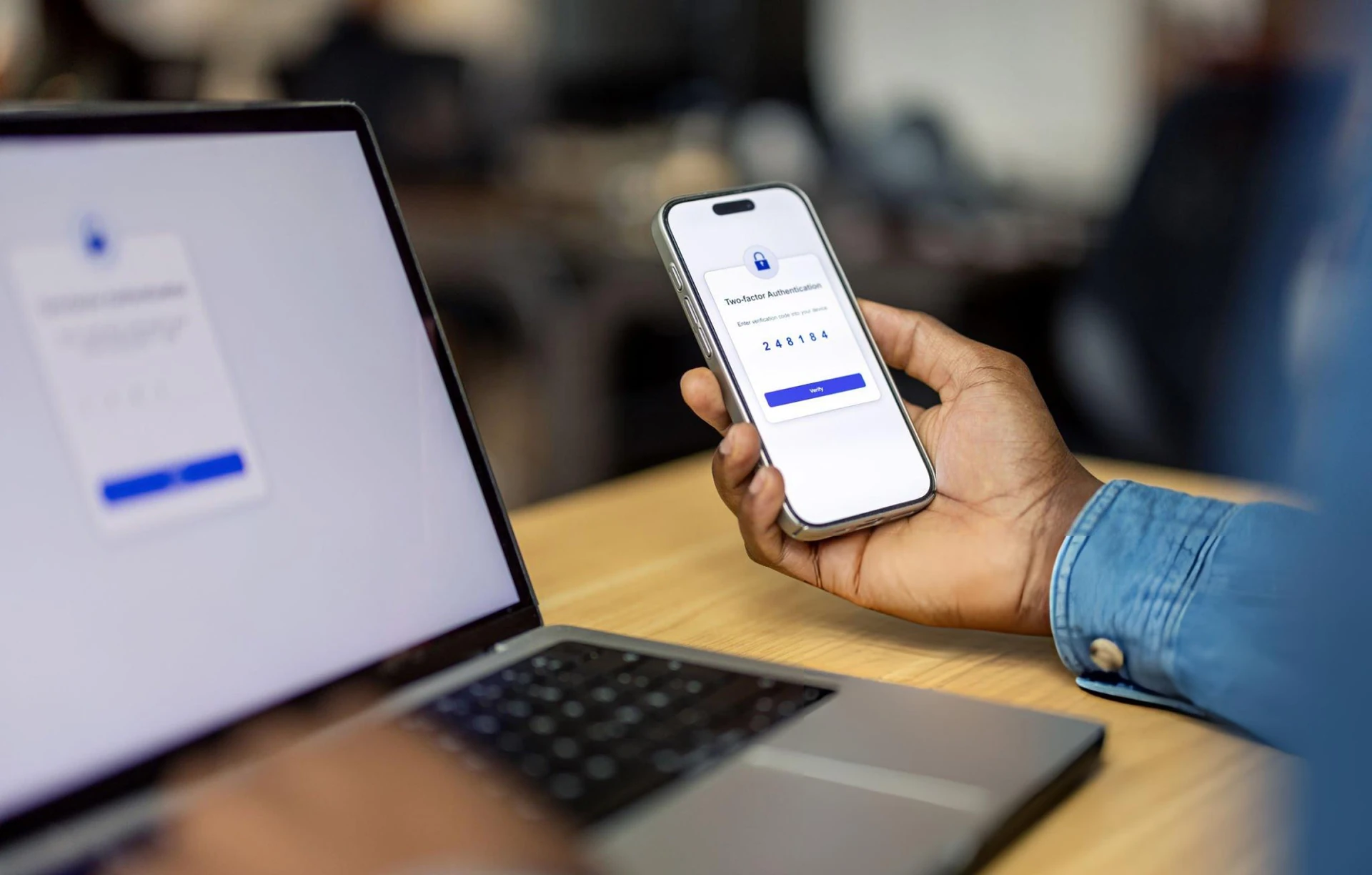
Most account trouble does not start with a sophisticated break-in. It starts with a convincing message, a hurried click, or a login on a computer that is not yours. The goal is not to be fearful. It is to make a few decisions automatic.
1. Assume unexpected messages are a test
Phishing works because it copies the look of a real bank email or text: a logo, a sense of urgency, a button that says “Verify now.” The giveaway is usually the ask. If the message wants you to log in from the message itself, send money, or confirm a code you did not request, treat it as hostile until you prove otherwise.
Open a new browser window and go to the bank the way you always do. If there is a real issue, you will see it in official internet banking or by speaking with support on a published number, not by tapping a link in a surprise text.
2. Protect codes as if they were cash
One-time passwords and approval prompts exist so that a stolen password is not enough. If someone has your code, they may already be trying to complete a login or a transfer. Do not read a code to a caller. Do not enter it on a page you reached from an email. If you receive a code you did not request, that is a signal to change your password from a trusted device and contact the bank.
3. Keep the device boring and up to date
Install system and browser updates. Use the screen lock. Avoid banking apps or sites on a shared family computer or a hotel business-center PC. Public computers can retain what you typed. If you must use one in an emergency, change your password afterward from a device you control.
On your own phone or laptop, be cautious with “free” software, unknown USB drives, and browser extensions that want to read every page you visit.
4. Skip public Wi-Fi for banking
Coffee-shop and airport networks are convenient and easy to impersonate. Wait until you are on a network you trust, or use your phone’s cellular connection. If you already started a session on public Wi-Fi, finish only non-sensitive tasks, not transfers, not password changes.
5. Report early, through official channels
If you clicked something you now distrust, or you see a transaction you did not make, contact us using the numbers and addresses published on this site. Do not use a phone number from the suspicious message. Our Security Centre collects the core habits in one place, and our Help pages explain how to reach support.